AI Automation
AI in Accounting: Use Cases, Platforms and Risks for UK Firms
AI in accounting explained: real use cases, the AI accounting software UK firms use, the risks nobody flags, and whether it replaces accountants.
Key takeaways
- AI in accounting automates the repetitive layer, not the judgement layer: data entry, categorisation, reconciliation, invoice capture and first-pass anomaly checks, not the sign-off.
- It's an assistant, not a replacement: every credible platform in the space frames AI as augmenting the accountant, not removing them.
- The biggest risk isn't the AI making mistakes, it's nobody checking its work: unreviewed AI output on financial data is where the real liability sits.
- UK firms have a compliance angle nobody else covers well: AI accounting tools need to slot into Making Tax Digital workflows, not work around them.
- Start with one workflow, not a full platform switch: pick the highest-volume manual task, usually reconciliation or invoice processing, and automate that first.
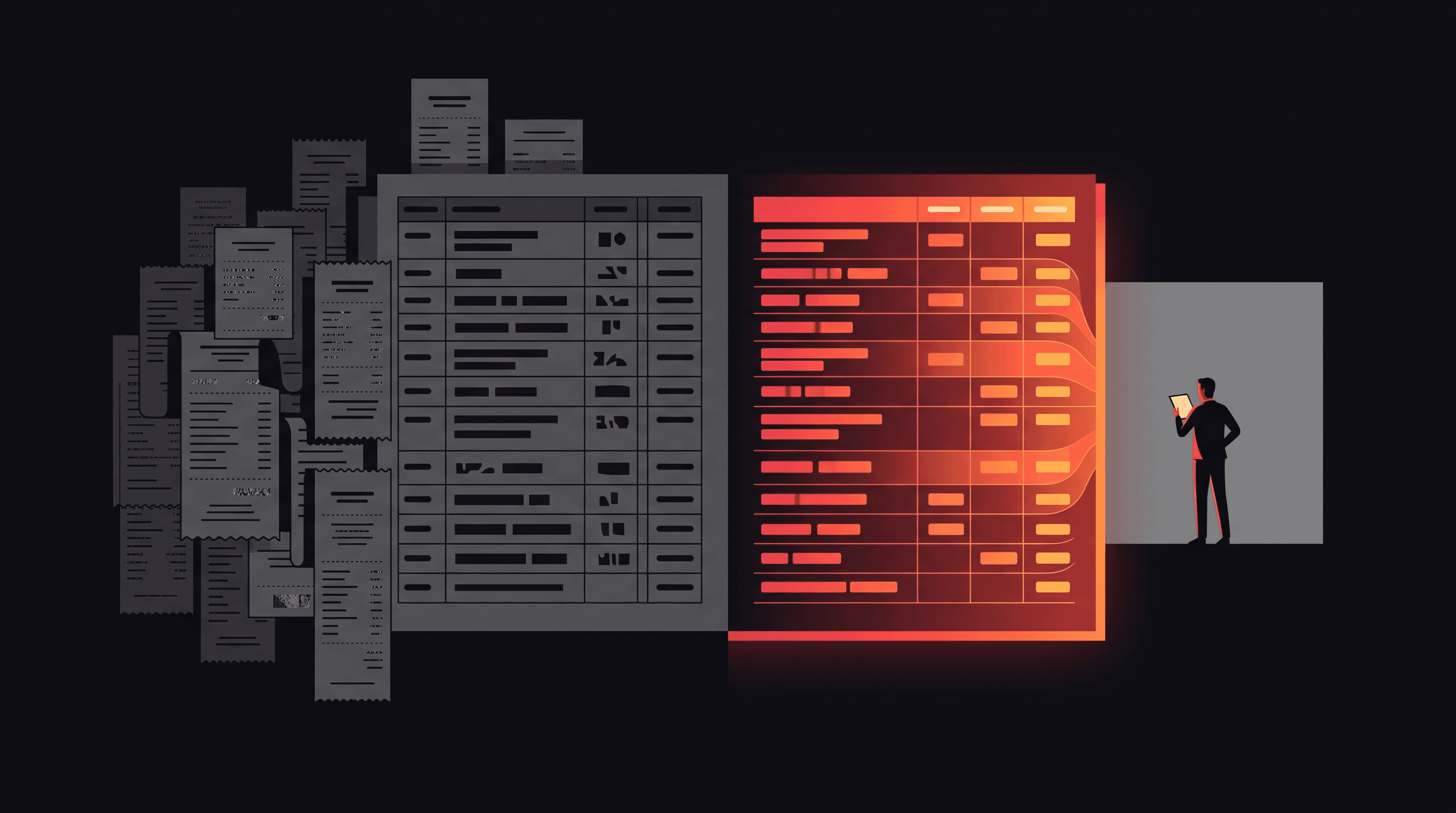
AI in accounting is software that uses machine learning to handle the repetitive parts of bookkeeping and finance: reading and categorising transactions, matching bank reconciliations, pulling data off invoices and receipts, flagging numbers that look wrong, and drafting first-pass notes for tax and advisory work. It doesn't replace the accountant. It removes the manual keying and pattern-matching so a qualified person spends their time reviewing, judging and advising instead of typing.
The shift matters more in the UK than the marketing copy admits, because Making Tax Digital already forces digital record-keeping for VAT-registered businesses, and from April 2026 it extends to sole traders and landlords with qualifying income over £50,000. AI tools that plug cleanly into that requirement save real time. Tools that just automate a spreadsheet on the side don't move the needle much.
How AI Is Actually Used in Accounting Today
Strip away the vendor pitch decks and AI in accounting boils down to five jobs, most of them already running quietly inside the software UK firms use every day:
- Data entry and categorisation: transactions get read, coded to the right nominal account and posted automatically, instead of typed in line by line.
- Bank reconciliation: the software matches bank feed lines to invoices and expected payments, and only flags what it can't match with confidence.
- Invoice and receipt processing: OCR plus machine learning pulls supplier, amount, VAT and due date off a PDF or photo and drops it straight into the ledger, the same mechanics behind dedicated accounts payable automation tools built for the invoice-to-pay process.
- Audit and compliance checks: anomaly detection flags transactions that sit outside the normal pattern for that account or supplier, for a human to investigate.
- Tax and advisory support: AI drafts first-pass commentary, cash flow forecasts and scenario models that a qualified adviser then checks and presents, not unlike the AI agent examples for finance teams already running in other back-office functions.
None of this is new in concept: OCR and rules-based matching have existed for a decade. What's changed is accuracy and scope. Models now handle messier inputs (a crumpled receipt, a bank description that doesn't match anything in the ledger) well enough to trust for a first pass. It's part of the same wave as the AI automations UK SMBs are already running across other back-office functions, not an isolated accounting-only trend.
AI Bookkeeping vs Traditional Bookkeeping: What Changes
The mechanics change more than the outcome. A traditional bookkeeper keys in transactions, matches the bank statement line by line, and chases missing invoices manually. With AI bookkeeping, the software does the first pass and the bookkeeper works the exceptions list instead of the full ledger. The sign-off responsibility doesn't move.
| Task | Traditional bookkeeping | AI-assisted bookkeeping | Who signs off |
|---|---|---|---|
| Transaction categorisation | Typed in and coded manually | Auto-coded from learned patterns | Bookkeeper reviews exceptions |
| Bank reconciliation | Matched line by line | Auto-matched, unmatched items flagged | Bookkeeper investigates flags |
| Invoice processing | Manually keyed from paper or PDF | OCR extraction straight into the ledger | Bookkeeper checks accuracy |
| Anomaly detection | Spotted on review, if at all | Flagged automatically against pattern | Accountant investigates and decides |
Nothing in that table removes the accountant from the process. It moves them from data entry to exception handling and judgement calls, which is a better use of a qualified person's time either way.
Popular AI Accounting Software and Platforms
Two distinct categories have emerged in AI accounting software, and conflating them is where a lot of buying decisions go wrong.
| Category | Examples | What they actually do |
|---|---|---|
| General ledger AI | Xero AI, QuickBooks AI | Layered into everyday bookkeeping software: transaction categorisation, reconciliation matching, basic cash flow insight |
| Audit and compliance AI | Trullion, DataSnipper | Built for audit and finance teams: automated evidence testing, document extraction, reconciliation with a full audit trail |
If you're a small business owner, you're almost certainly in the first category already: most mainstream general ledger platforms have added AI features to their existing plans rather than charging separately for them. If you're a practice doing audit or assurance work, the second category is where the real capability jump is: purpose-built tools with explainable, traceable automation rather than a generic AI bolted onto a spreadsheet. Always check a vendor's current feature list before buying. This space moves fast enough that a six-month-old comparison is already out of date.
Benefits of AI in Accounting for UK Businesses
The productivity case is real, but the UK-specific case is where AI earns its keep for firms actually dealing with HMRC.
- Faster Making Tax Digital reporting: quarterly digital records build themselves as transactions are categorised, instead of getting reconstructed from a shoebox of receipts before a deadline.
- Fewer manual entry errors: the error rate on typed-in transaction data drops when the software reads it directly off the source document.
- Capacity freed for advisory work: less time on data entry means more billable time on the forecasting, planning and advisory work clients actually value.
- Better audit trail by default: automated matching keeps a record of how each transaction was reconciled, which helps at year end and under HMRC scrutiny.
None of that is guaranteed just by buying software with an AI label on it. The gains show up when the tool is actually plugged into the firm's workflow, not left running in parallel with the old manual process just in case.
Risks and Limitations of AI in Accounting
The vendor pitch rarely covers this properly, so it's worth being blunt about it.
- Data privacy and financial data handling: AI accounting tools process sensitive financial and personal data, so where that data is stored and processed, and who else can access it, needs checking before adoption, not after.
- Error and hallucination risk on unreviewed output: AI can miscategorise a transaction or generate a plausible-looking but wrong summary, and the mistake carries into the accounts if nobody catches it.
- Professional liability doesn't move to the software: an accountant who signs off AI-generated numbers is still the one accountable for them, professionally and in some cases legally.
- Over-reliance risk: teams that stop spot-checking AI output because it's usually right are the teams most exposed when it's wrong.
None of this is an argument against adoption. It's an argument for keeping a human review step in the workflow permanently, not as a temporary crutch until the software is trusted enough to remove it.
Will AI Replace Accountants?
No, and the reason is structural rather than sentimental. AI is good at pattern-matching against historical data: categorise this like the last thousand transactions, flag this because it doesn't match the pattern. It's not good at judgement calls that need context the software doesn't have: whether a client's unusual spend this quarter is a red flag or a one-off, how to advise on a transaction that doesn't fit a template, or who takes professional responsibility when HMRC asks a question.
What changes is the shape of the job. Less time on data entry and reconciliation, more time on review, advisory and the judgement calls AI can't make. Accountants who treat AI as the assistant it's designed to be, doing the first pass so they can spend their time on the parts that actually need a qualified person, come out ahead. The ones who ignore it entirely will spend more time on data entry than their AI-assisted competitors, which is its own kind of risk.
How to Start Using AI in Your Accounting Function
The mistake most firms make is trying to overhaul everything at once. A narrower, staged approach works better, and before you commit budget it's worth knowing how much AI automation costs in the UK generally, since accounting-specific tools follow similar pricing patterns to the rest of the market.
- 1. Audit your current manual tasks: list where the hours actually go, reconciliation, invoice keying, chasing receipts, and rank them by volume.
- 2. Pick one workflow to automate first: usually bank reconciliation or invoice processing, because they're high volume and low judgement, the easiest place for AI to earn trust fast.
- 3. Keep a human review step: build exception review into the process from day one rather than bolting it on after something goes wrong.
- 4. Measure time saved before scaling: track hours reclaimed on the first workflow before rolling AI out across the rest of the function, so the business case is based on your own numbers, not a vendor's.
This is the same staged approach behind what an AI automation agency does more broadly, and it holds for finance workflows specifically: prove the time saved on one task before scaling to the rest of the function. Firms that try to automate everything in one go tend to stall halfway through.
Frequently asked questions
How does AI work in accounting?
AI works in accounting by learning patterns from historical transaction data and applying them to new records: coding transactions to the right account, matching bank statement lines to invoices, and extracting data from receipts and invoices with OCR. It flags anything it can't match confidently for a human to check, rather than guessing.
Is AI going to replace accountants?
No. AI automates the repetitive, high-volume parts of accounting: data entry, reconciliation, invoice processing, but it doesn't replace the judgement, advisory work or professional sign-off an accountant provides. The role shifts toward review and advisory rather than disappearing, and someone still has to take responsibility for the final numbers.
Is there an AI that can do accounting on its own?
Not reliably, no. Tools exist that can handle most of a bookkeeping cycle with minimal input, but none are accurate enough to run completely unsupervised on real financial data yet. Every credible platform on the market, general ledger or audit-focused, is built around a human reviewing and approving the output.
What's the difference between AI bookkeeping and an AI accountant?
AI bookkeeping is software handling the mechanical side: categorisation, reconciliation, data capture, with a person reviewing exceptions. An 'AI accountant' implies judgement and advisory capability AI doesn't reliably have yet: interpreting numbers, advising on decisions, taking professional responsibility. In practice, 'AI accountant' is closer to marketing language than a distinct product category.
Is AI in accounting compliant with HMRC and Making Tax Digital rules?
AI accounting tools aren't automatically HMRC-compliant or non-compliant. It depends on whether the software produces digital records in the format Making Tax Digital requires, and whether a qualified person reviews what it submits. Check a specific tool against HMRC's list of recognised MTD software before relying on it for filing.
What's the easiest accounting task to automate first?
Bank reconciliation and invoice processing are the easiest places to start: high transaction volume, low judgement required, and errors are easy to spot and fix. They free up the most hours for the least risk, which makes them the best proof of concept before rolling AI out across the wider accounting function.
If your accounting or back-office function is still running on manual data entry and end-of-month scrambles, that's exactly the kind of workflow AI automation is built to fix. Aristral builds AI automation for UK SMBs, finance and back-office included, and we'll tell you honestly whether it's worth automating yet. Get in touch to talk through where to start.
Methodology
How we put this together: the use cases and platform categories in this guide come from live search research on how UK searchers frame this topic, cross-checked against each named vendor's own public product pages (Trullion, DataSnipper) at the time of writing. Making Tax Digital references link directly to gov.uk as the primary source. Aristral builds AI automation workflows for UK SMBs, including back-office and finance automation, so treat this as practitioner guidance from a business with a commercial interest in the space, not neutral third-party research. We haven't cited any adoption or time-saving statistics we couldn't verify, and we make no guaranteed-outcome claims. Written by Taha Bilal, who founded Aristral in 2024 and runs delivery himself. Spotted an error or an out-of-date platform feature? Email admin@aristral.com.
About the author
Taha Bilal
Co-founder, Aristral
Taha Bilal is a co-founder of Aristral, a UK AI automation and SEO agency based in Clifton, Bristol. He has been running SEO and digital-growth campaigns for SMB and SaaS clients since 2018, and now leads Aristral's combined SEO + GEO programmes for service businesses across the UK and US. Corrections and source requests: admin@aristral.com.
LinkedIn →Filed under: AI Automation