AI Automation
CRM Automation: Definition, Examples and What AI Actually Adds
CRM automation explained: what it means, real examples, what AI genuinely adds in 2026, and the mistakes UK small businesses make setting it up.
Key takeaways
- CRM automation is rules and workflows, increasingly AI-driven, that handle repetitive CRM tasks automatically: scoring leads, sending follow-ups, logging activity, without someone doing it by hand.
- Core examples: lead scoring, follow-up sequencing, data entry and deduplication, task assignment, reporting.
- What's genuinely new with AI in 2026: predictive scoring, auto-drafted follow-ups, conversation intelligence, automatic enrichment, layered on top of the rule-based automation that's existed for years.
- The biggest mistake isn't a tooling mistake: it's automating a broken sales process or dirty data before fixing either.
- Small teams benefit the most: automation covers the ground a dedicated ops person would otherwise cover.
CRM automation is the use of rules, workflows and increasingly AI inside a customer relationship management system to handle repetitive tasks without manual input. It covers things like automatically scoring leads, triggering follow-up emails, logging activity, assigning tasks when a deal changes stage, and generating reports on a schedule rather than someone pulling numbers into a spreadsheet every Friday.
The distinction worth holding onto through the rest of this guide: traditional CRM automation is rule-based, if X happens then do Y, like sending a welcome email the moment a new contact is added. AI-driven CRM automation adds prediction and generation on top of that: the system flags that a lead is likely to convert, or drafts a follow-up email itself, rather than just firing a fixed action off a fixed trigger. Most CRMs on the market run both layers today. The rules handle predictable, high-volume work. The AI layer handles the judgement-adjacent tasks that used to need a person to glance at the record first.
What Is CRM Automation?
A CRM by itself is a database: contacts, companies, deals, notes, a record of who said what to whom and when. It doesn't do anything unless a person opens it and acts. CRM automation is the layer on top that makes the system act on its own once certain conditions are met.
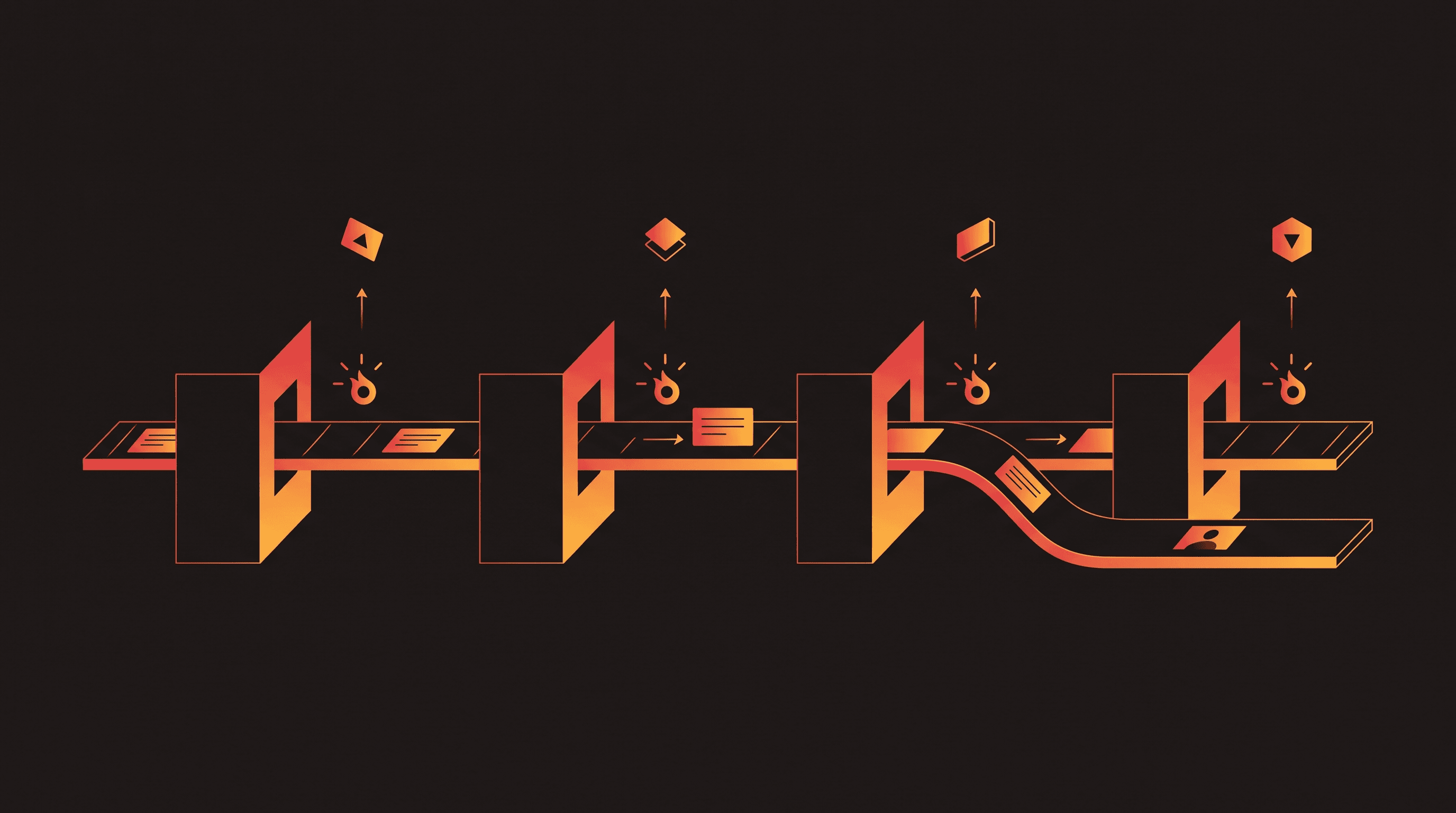
That layer is built from three parts. A trigger is the event that starts things off: a new contact is added, a deal moves to a new stage, a form gets submitted, a set number of days pass with no reply. A condition narrows when the automation should run: only if the deal value is above a threshold, only if the contact is tagged a certain way. An action is what actually happens: send an email, create a task, update a field, notify a rep. Almost every CRM automation, from a simple welcome email to a full AI-scored lead pipeline, is some combination of those three parts, the same trigger-condition-action logic behind workflow automation tools generally, just scoped to the CRM. What's changed is how sophisticated the condition and action steps can be, because AI can now sit inside either one.
CRM Automation Examples
These are the automations most small businesses set up first, roughly in the order they tend to pay off:
- Lead scoring: contacts get a score based on behaviour (email opens, page visits, form fills) so the sales team knows who to call first instead of working the list top to bottom.
- Follow-up sequencing: a set of emails or tasks fires automatically after a lead comes in, or after a set number of days pass without a reply, so nobody falls through the cracks because someone forgot to follow up.
- Data entry and deduplication: new contacts and companies get created or merged automatically from form submissions, email signatures or integrations, instead of someone typing them in and occasionally creating the same contact twice.
- Task assignment on deal-stage change: moving a deal to "proposal sent" automatically creates a follow-up task for the rep a set number of days later.
- Reporting and dashboard generation: pipeline reports build themselves on a schedule instead of someone exporting data and building a spreadsheet manually every week.
- Renewal or win-back triggers: a contract nearing renewal, or a customer who's gone quiet, triggers an automatic task or outreach sequence instead of relying on someone remembering the date.
What AI Actually Adds to CRM Automation in 2026
This is the part most CRM automation guides gloss over or bundle into the same list as the rule-based examples above, which makes it hard to tell what's genuinely new. Here's what AI adds that rule-based automation, on its own, can't do.
| AI feature | What it replaces | Still needs human review |
|---|---|---|
| Predictive lead scoring | Manually-tuned points system (open an email, +5 points) | Sanity-check the score against deals you know the context of |
| Auto-drafted follow-ups and call summaries | The first-draft writing step after a call or email | Read it before it sends: wrong tone or facts are worse than no automation |
| Conversation intelligence | Manual note-taking and re-listening to calls | Act on what it surfaces, don't treat it as a verdict |
| Automatic contact and company enrichment | Manually looking someone up on LinkedIn | Spot-check the data, enrichment sources aren't always current |
The GSC data behind this section is a useful reality check on demand: queries adjacent to "crm ai features" already get roughly 130 impressions a month at an average position of 9.3, landing on a page that isn't built for them. That's live search demand a dedicated section like this one is built to capture properly. If you're evaluating a CRM on its AI features specifically, check what the vendor actually documents rather than what the marketing page claims: Salesforce's own lead-scoring documentation and HubSpot's lead capture and qualification features are useful examples of what a fully-shipped AI feature looks like versus a vague "AI-powered" label.
Benefits of CRM Automation for UK Small Businesses
The case for CRM automation is strongest for teams without a dedicated operations person, which describes most UK businesses in the 5 to 50 person range. It sits alongside, and often overlaps with, marketing automation: the CRM handles the sales-side pipeline while marketing automation handles the top-of-funnel nurture, and the best setups pass leads cleanly between the two rather than treating them as separate systems. It's one piece of the wider case for AI automation for small businesses generally: fewer manual, repetitive tasks freeing up time for the work that actually needs a person.
- Time saved on manual entry: less time spent typing contact details and updating fields by hand means more time spent actually selling or serving customers.
- Faster follow-up: Harvard Business Review's analysis of 2.24 million sales leads found that contacting a lead within an hour made it nearly seven times more likely to qualify than waiting even 60 minutes. Automated sequencing removes the delay that comes from relying on someone remembering to follow up.
- Fewer dropped leads: a lead that would otherwise sit unactioned because nobody was assigned to it gets caught by a trigger instead.
- Consistent pipeline hygiene: deals get updated, tasks get created and records stay current across a small team, without needing someone whose job is specifically to police the CRM.
Common CRM Automation Mistakes
Most of the CRM automation that fails doesn't fail because the tool was wrong. It fails because of what got automated, or the state of the data underneath it.
- Automating a broken sales process: if the underlying process is inconsistent (reps skip steps, stages mean different things to different people) automation just makes the wrong thing happen faster and more consistently. Fix the process first.
- Skipping data hygiene before turning on automation: duplicate contacts, missing fields and inconsistent tagging all get amplified once automation is scoring, routing and reporting off that data. Garbage in becomes garbage at scale, not garbage in one place you can quietly fix later.
- Over-automating customer-facing touchpoints: a follow-up sequence that fires regardless of context, or an auto-drafted email sent without review, reads as robotic fast. Customers notice when nobody's actually looking at what's going out under their name.
- No owner assigned to review what the automation is doing: automations drift. A trigger that made sense six months ago can misfire once the sales process or team changes, and nobody catches it if no one's responsible for checking.
Getting Started: A Simple CRM Automation Framework
A practical order for setting this up, rather than trying to automate everything in the first week:
- 1. Clean the data first: dedupe contacts, standardise how deal stages and tags are used, and fix the fields automation will actually read from. This is unglamorous and it's the step that determines whether everything after it works.
- 2. Automate the highest-friction manual task only: pick the one thing that eats the most time or causes the most dropped leads, usually follow-up sequencing or task assignment, and get that working reliably before adding anything else.
- 3. Add AI-driven features once the basics are running reliably: predictive scoring, drafted follow-ups and enrichment are worth layering in once the rule-based foundation is solid, not before. AI on top of a shaky process just automates the shakiness faster.
This mirrors how CRM automation and AI lead generation work best together: fix how those leads get scored before they reach your CRM, so the automation inside the CRM is working with qualified data rather than a raw, unfiltered list. The same principle applies to connecting WhatsApp to your CRM, where the value only shows up once the underlying CRM data and process are solid enough for the integration to act on.
Frequently asked questions
What is CRM in automation?
CRM is the customer relationship management system that stores contacts, deals and activity history. Automation is the rules and AI layered on top that act on that data without manual input: scoring leads, sending follow-ups, assigning tasks. The CRM is the database, automation is what makes it act on its own instead of a person doing each step by hand.
What are some examples of CRM automation?
Common examples include lead scoring based on behaviour, automatic follow-up emails after a set number of days with no reply, task assignment when a deal moves to a new pipeline stage, deduplication of contact records, and scheduled reporting that builds a pipeline dashboard without anyone exporting a spreadsheet. Most CRMs support several of these out of the box.
Will CRM be replaced by AI?
No. AI is being built into CRM as a feature layer, not replacing the CRM itself. The database of contacts, deals and history still needs to exist, and still needs a person to own the sales process. AI automates more of the day-to-day upkeep, but it doesn't remove the need for a CRM or someone accountable for the pipeline.
Is CRM difficult to learn?
The basics (logging a contact, moving a deal through a pipeline) take most people an afternoon to learn in any mainstream CRM. Automation adds a learning curve on top: understanding triggers, conditions and actions well enough to build workflows without breaking data. Start with one or two simple automations rather than the whole platform at once.
What AI features should I look for in a CRM in 2026?
Predictive lead scoring, auto-drafted follow-ups or call summaries, conversation intelligence that surfaces sentiment and next steps, and automatic contact or company enrichment are worth checking for. Treat each as a first draft a person reviews, not a finished output, and confirm it actually ships in your plan tier rather than assuming it does.
Do I need a big team to benefit from CRM automation?
No, arguably the opposite. A small team without a dedicated operations person benefits more, because there's nobody whose job it is to manually chase follow-ups or keep the pipeline tidy. Automation covers that gap. What matters is clean data and a sales process worth automating in the first place, not team size.
CRM automation only pays off when the data underneath it is clean and the process it's automating actually works. If you're not sure which of those is holding your pipeline back, that's exactly the kind of thing worth a proper look before you buy or build anything new. Aristral builds CRM and workflow automation for UK small businesses and we'll tell you honestly what's worth automating first. Get your CRM automation set up properly.
Methodology
How we put this together: the definitions, examples and AI-features breakdown in this guide come from live search research on how UK searchers and the top-ranking definitional guides frame CRM automation, plus practitioner experience setting up CRM workflows for UK SMB clients. No client names or invented metrics are used, benefits are described as general mechanisms rather than fabricated percentages. Aristral builds CRM and back-office automation for UK small businesses, so treat this as practitioner guidance from a business with a commercial interest in the space, not neutral third-party research. We make no guaranteed-outcome claims. Written by Taha Bilal, who founded Aristral in 2024 and runs delivery himself. Spotted an error? Email admin@aristral.com.
About the author
Taha Bilal
Co-founder, Aristral
Taha Bilal is a co-founder of Aristral, a UK AI automation and SEO agency based in Clifton, Bristol. He has been running SEO and digital-growth campaigns for SMB and SaaS clients since 2018, and now leads Aristral's combined SEO + GEO programmes for service businesses across the UK and US. Corrections and source requests: admin@aristral.com.
LinkedIn →Filed under: AI Automation